 Workout Roadbook
Prepare your
race plan.
Workout Roadbook turns your GPX file into a race plan you can take to Apple Watch.

$5.99 · One-time purchase · No subscription
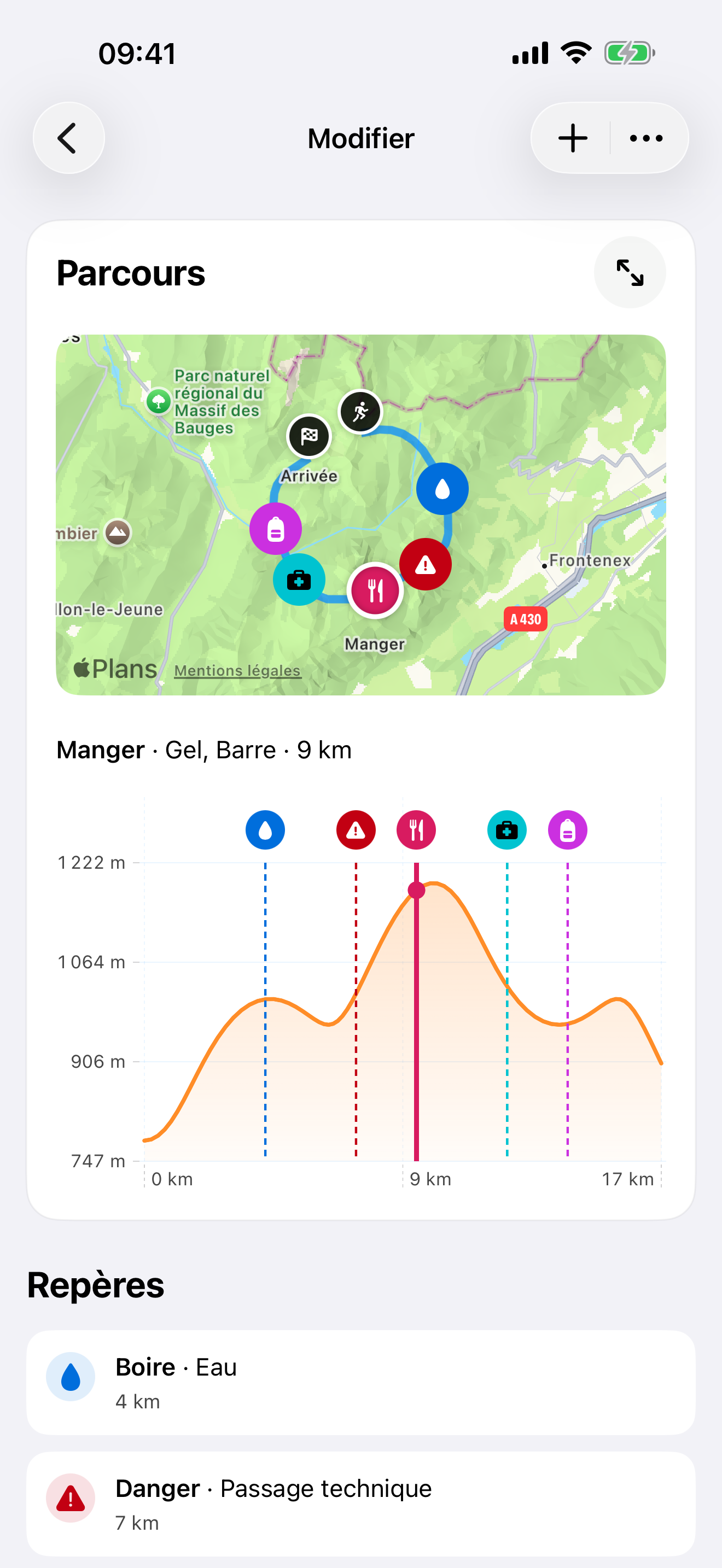

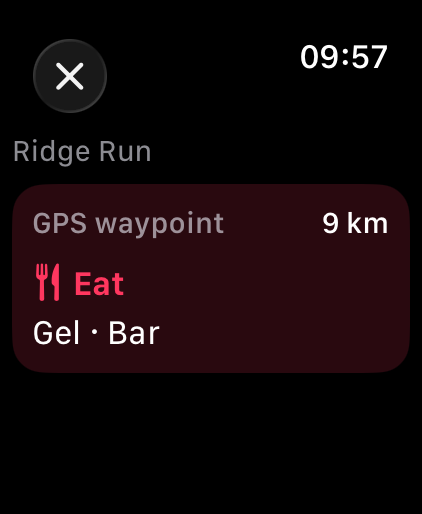
Import a GPX file, add cues, and configure the information or actions you want to receive during your activity.
View the GPX route
Import a GPX track and view its map and elevation profile.
Place your waypoints
Plan food, drink, aid stations, equipment or personal notes.
Receive alerts on your watch
Install your selected plan on Apple Watch and follow the GPS waypoints.
Use the Workout app
Where the configuration is supported, prepare the workout that opens in Workout.
App preview
The data shown is for illustrative purposes.
HOW TO USE
How to use the app
Import the route
Choose your GPX, name the plan and check the route.
Add your cues
Place waypoints at useful locations along your outing.
Take your plan along
Install it on Apple Watch or use Other Watch mode while carrying your iPhone.
Before you download
- iPhone and Apple WatchiOS 18 or later
watchOS 11 or later - French, English, German, Spanish and Italian
- One-time purchase · No subscription
With another compatible watch, tracking remains on the iPhone, which you must carry. iOS notifications may be relayed depending on the watch and its settings. This is not a Garmin or Suunto app, nor independent GPS tracking on those watches. Alerts depend on factors including GPS and permissions.
On the US App Store
View on the App StoreUS App Store prices. The price is confirmed before purchase.
Privacy policy